
The starting point
The work was happening between the tools
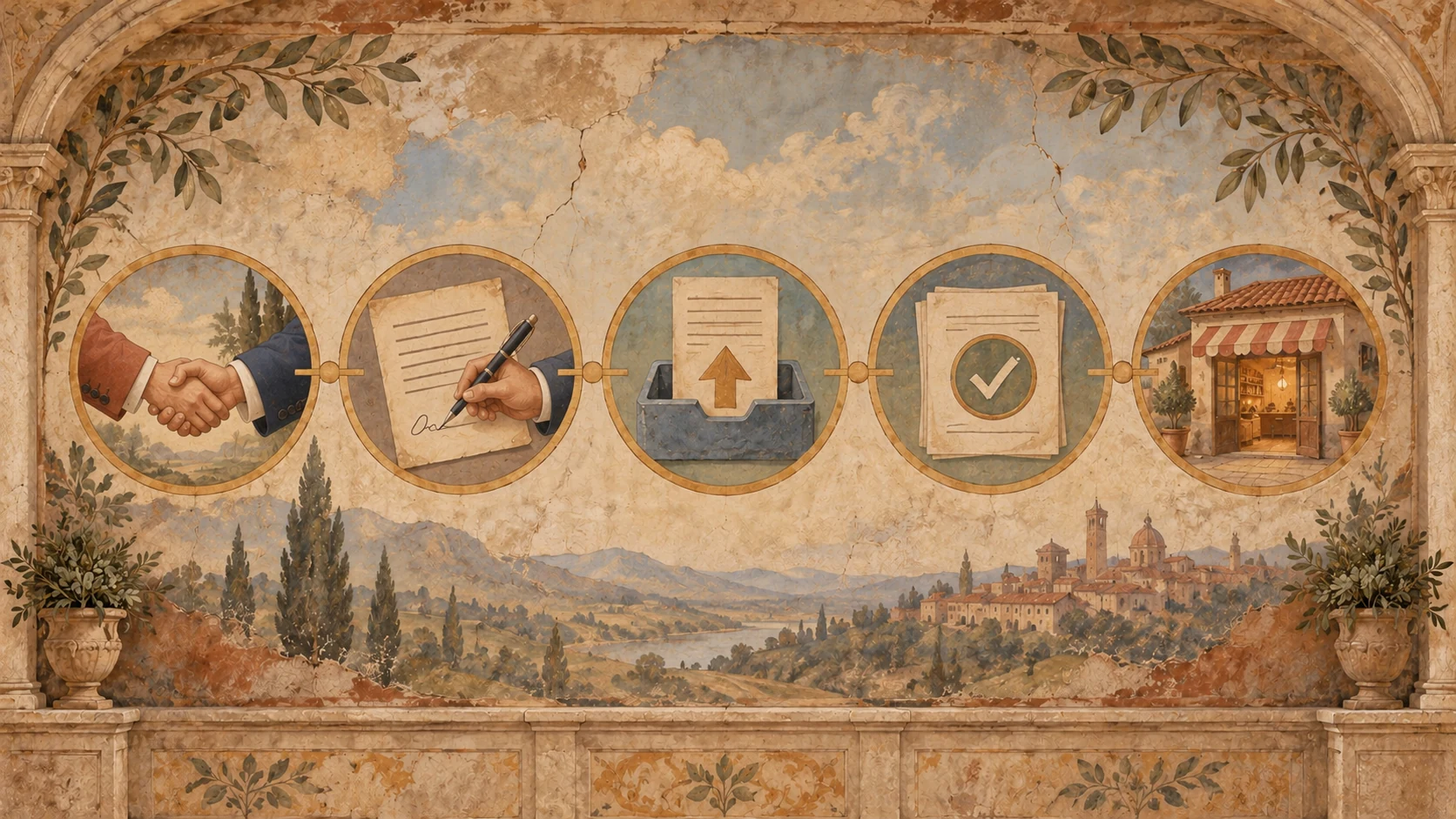
Getting a merchant live meant more than approving a deal. An agreement had to be prepared, sent and signed. Documents had to come back. Someone had to review them before the merchant could be activated.
Those steps relied on spreadsheets, email and manual follow-up. Merchant details were copied into agreement templates, signatures were chased, and submitted files were tracked separately. The team needed to see where each merchant stood without piecing the answer together from several places.
The job was to connect those steps in Zoho CRM while keeping approval, document review and the final go-live decision with the team.
Before
Each step needed a follow-up.
- Details copied into agreements
- Signatures chased over email
- Documents tracked separately
After
The deal carries the work.
- Agreement prepared from deal data
- Signature status returned to CRM
- Documents linked to the same record
Inside the build
How the pieces fit together
001One deal record to follow
+
The CRM deal became the place to follow an onboarding. Zoho Blueprint defines the stages, who can move a deal forward, and what happens when it is rejected or needs to be resubmitted.
This matters when a deal leaves the straightforward path. A rejection needs a reason and a next step. A request for more documents needs to reach the right person. Those paths are part of the workflow, alongside approval.
Role-based access controls limit record visibility and protect the stage and agreement fields. The process has named owners rather than relying on whoever last picked up the email.
002Approval starts the agreement
+
Once a deal is approved, Deluge takes the deal data into Zoho Writer to prepare the agreement, then sends it through Zoho Sign. The team no longer has to copy the same merchant details into a document and start a separate signature request.
The workflow also handles the point where sending cannot continue. If signatory information is missing, or sending fails, the deal stays at its current stage and a note is added for follow-up. It does not move forward simply because an attempt was made.
Signature events come back through webhooks and a REST API function. When the agreement is signed, the signed PDF is attached to the matching deal and the signed date is recorded.
003The documents return to the same record
+
Document collection uses a prefilled Zoho Forms link tied to the existing deal. The merchant submits 13 data fields and three files. That submission is linked back to the deal, so the team does not have to enter the information again or work out which onboarding it belongs to.
Submitting the form records the date, updates the CRM stage and notifies the reviewer. Required-field checks and duplicate prevention are included in that handoff.
The review itself stays with a person. Receiving files and deciding whether those files are acceptable are two different steps; the workflow keeps that distinction clear.
004Follow-up is built into the process
+
Reminders cover deals waiting for approval, agreements waiting for a signature and documents that have not arrived. Dashboards show the current stages and pending work.
That gives the team a place to look for what needs attention, instead of keeping a separate list of people to chase. When the merchant is set live, the workflow sends the relevant notifications and creates the related operational tasks.
In day-to-day use
What changed for the team
The team's main actions are now to approve the deal, review the documents and set the merchant live. Agreement preparation, signature handoffs, document collection, reminders and status updates are connected around those decisions.
The signed agreement, submitted information and current status now stay with the deal. A team member following up can see the onboarding there, rather than reconstructing it from emails and spreadsheets.
A detail that matters
The detail worth carrying into the next build
A workflow needs to account for the moments when it cannot move forward. In this build, that includes rejected deals, missing signatory details, failed agreement sends and requests for more documents.
The useful pattern is to make the next action clear at each of those points. Keep the stage accurate, record what needs attention and leave the decision with the right person. That is as much a part of the automation as generating the agreement.