Approvals with an owner
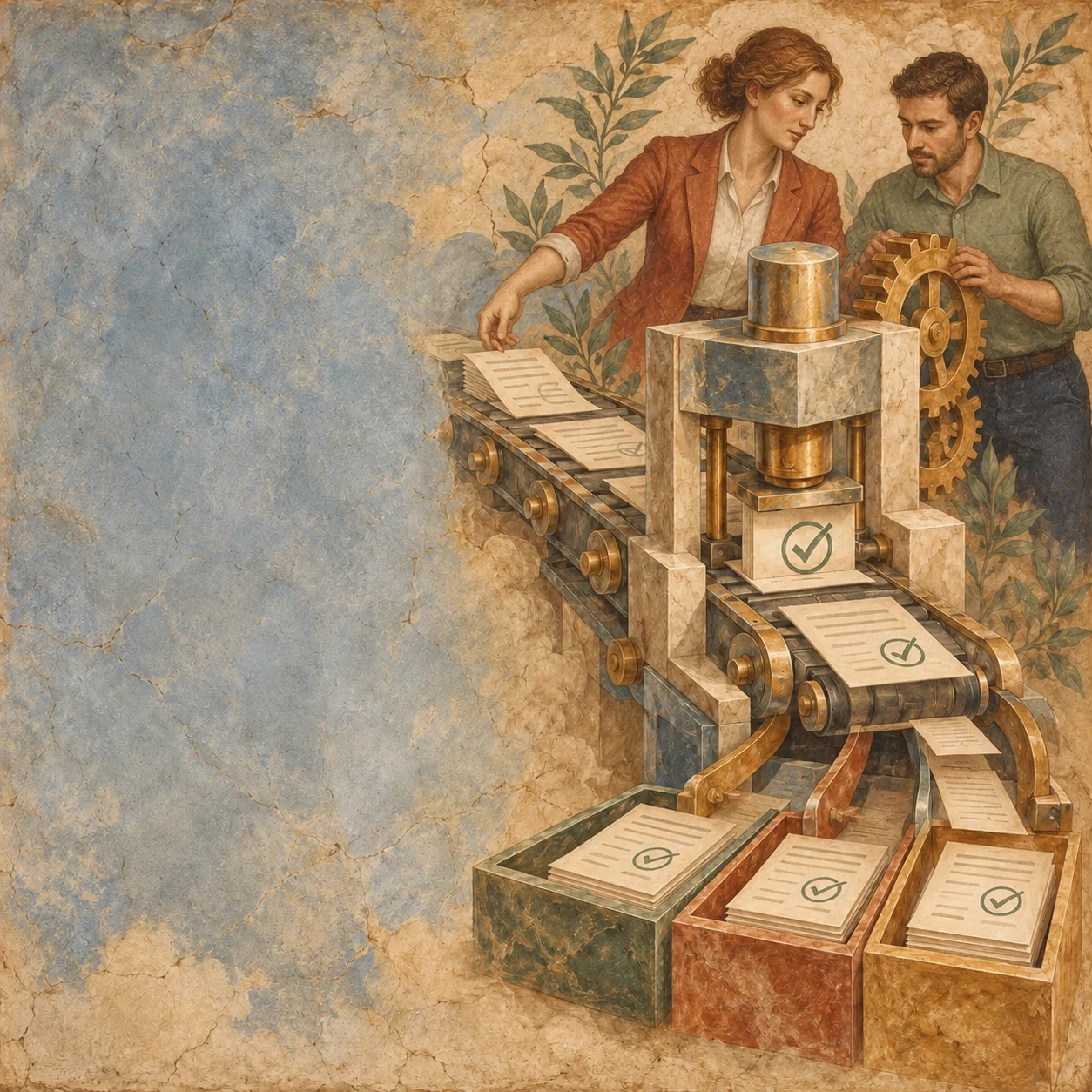
Give each request a stage, a decision-maker and a clear route when it needs more information.

What we build / 002
Connect the approvals, documents and reminders that currently depend on someone remembering the next step.
Talk through your workflowBusiness Automation
Teams copy information, chase approvals, and send the same follow-up messages by hand.
Give each request a stage, a decision-maker and a clear route when it needs more information.
Prepare agreements from existing records and bring signed files back to the right place.
Link reminders to the current status, so completed work does not keep generating messages.
What we build with you
Map each state and its owner, implement explicit transitions, and build recovery paths for incomplete information or failed requests.
The workflow, its owners and the next step when something stops—made clear for the people using it.
Walk through the request, record, email and spreadsheet the team uses today. Include the places where work stops.
Define who can approve, reject or ask for more information. Agree which transitions can happen automatically.
Configure record updates, document steps, notifications and reminders around the agreed process.
Try missing information, duplicate submissions and failed sends. Make pending work and recovery steps easy to find.
People and systems
Agree what the system handles and where a person stays in control.
Your team
The system
From the work
Project details and practical notes to help you decide where to start.
A few practical questions
We can start with the process, even if you are still deciding which kind of solution you need.
Let’s talkOften the useful steps can run on clear rules. AI belongs where interpretation helps, rather than in every approval or record update.
We define how the failure is recorded, who sees it and how to resume the work. A failed attempt should not appear as a completed stage.
Yes. A complete, narrow handoff is a useful starting point. We can agree the next improvement after the team has used that first version.

A place to start
Start with a free AI audit. We’ll look at how the job works today and share useful next steps.
Ask for a free audit