
The starting point
The problem
Visitors arrived with questions at all hours. Without a way to answer them and capture their requirements, the team could lose the conversation before a follow-up began.
Before
A question could end the visit.
- Visitors needed answers outside office hours
- Requirements could be lost before follow-up
- The team answered the same questions repeatedly
After
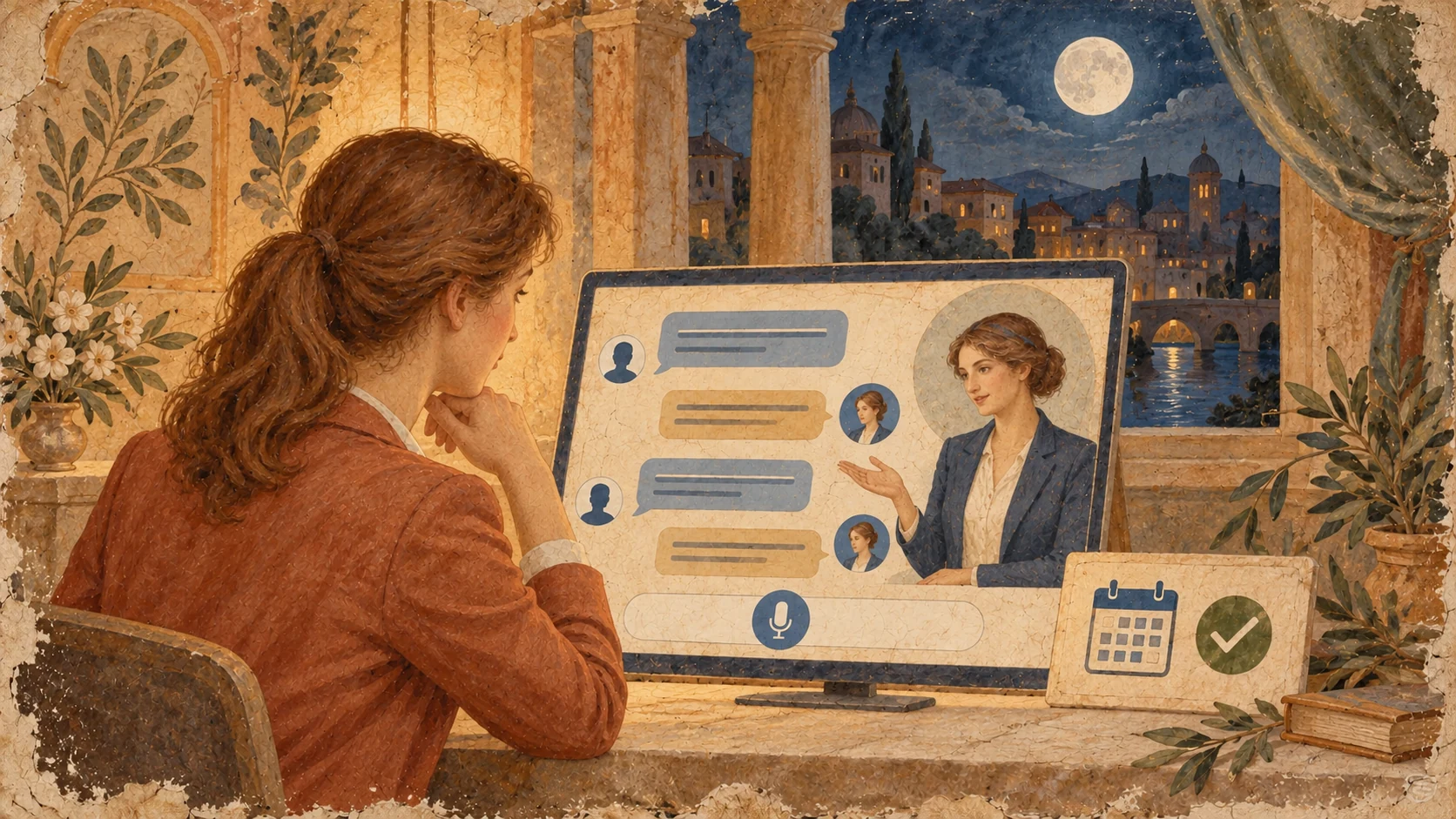
A conversation with a next step.
- Voice or chat on every page
- Meetings and requirements captured in the conversation
- Lead details, history and summary sent to CRM
Inside the build
How the pieces fit together
001An assistant on every page
+
A chat widget appears on every page, with a pop-up matched to what the visitor is reading. Visitors can type or speak, with a natural-sounding voice. The assistant handles greetings freely, then asks for a name, email and phone number before answering business questions.
002Answers grounded in the business
+
The assistant is trained on the company website and its Zoho services documentation. It answers questions about the company, Zoho and the visitor’s requirements, helping people find the information relevant to their project.
003From a question to a next step
+
The assistant can take visitors to a page or section, book a meeting with a consultant, accept file uploads and gather project requirements. A conversation can lead directly to a useful next action.
004The full conversation in CRM
+
Every lead, the full chat history and a summary go into CRM. Connections with other tools let the assistant send emails, collect information and prepare weekly reports. It works 24/7.
In day-to-day use
What changed
Visitors get an answer and their details are captured even outside office hours. The team starts each follow-up with the full context and spends less time answering the same questions.